


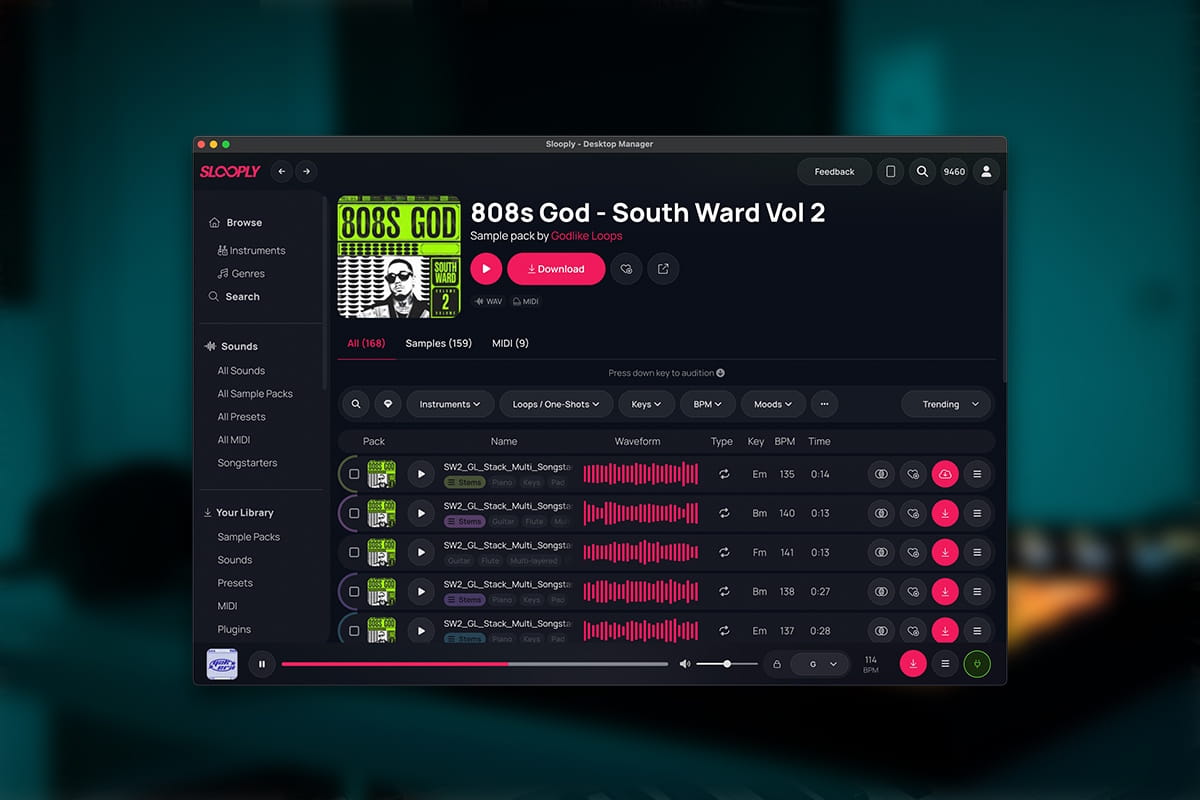
The Slooply Desktop App expands the platform beyond the browser, offering a streamlined environment tailored to modern production workflows. Music producers can browse not only thousands of sounds, but also MIDI files and presets, preview them instantly, and organize their library without interruption.
A key advantage is direct drag-and-drop functionality. Instead of downloading files and manually importing them into a project, users can send samples, MIDI, or presets straight from the app into their DAW in a single action.
The desktop app also allows producers to build collections, manage favorite sounds, and keep their workflow structured. Running in the background and accessible at any time, it becomes a central hub for sample, MIDI, and preset discovery.
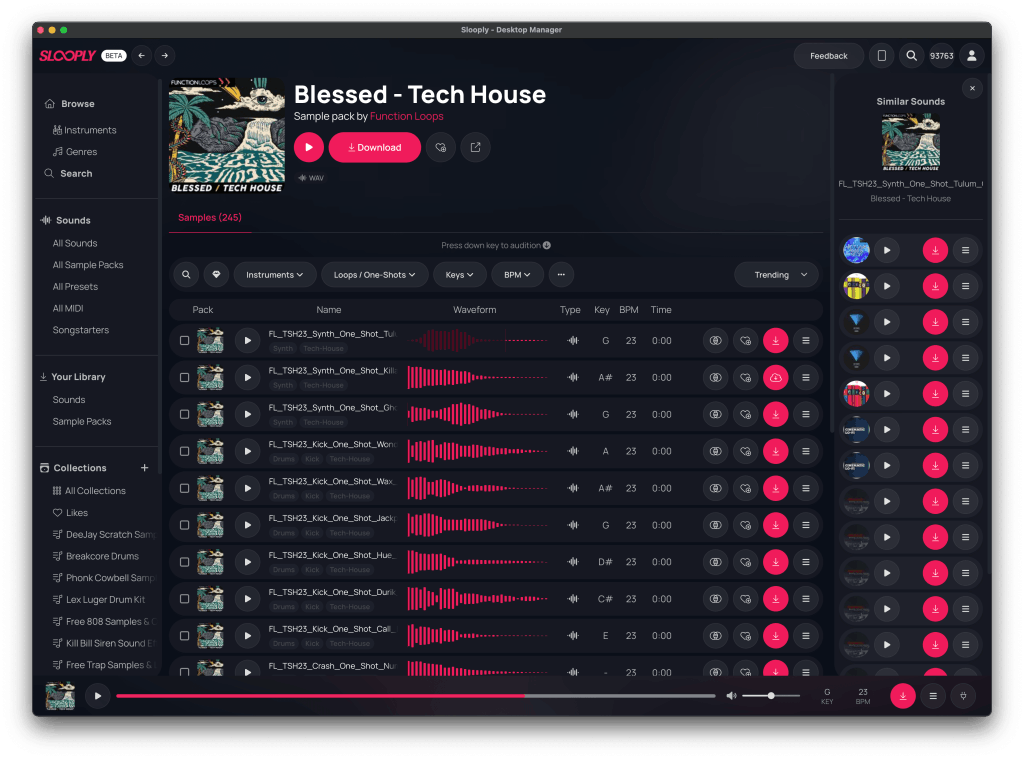
AI-Powered Search for Faster Discovery
Finding the right sound is often one of the most time-consuming parts of music production, especially for users who may not know the exact name of an instrument or style.
Slooply tackles this issue by using a search system driven by AI. You don’t need technical keywords anymore. Describe what you’re after, such as “dark piano melody,” “emotional guitar loop,” or even “energetic trap drums.” Essentially, just say what you want and the system gets it. Simple and straightforward. It’s that easy to find the sound you need without fussing over complicated terms.
The system interprets these descriptions and returns relevant results, making sound discovery faster, more intuitive, and accessible to both beginners and experienced producers.
Bridge VST Enables Real-Time DAW Sync
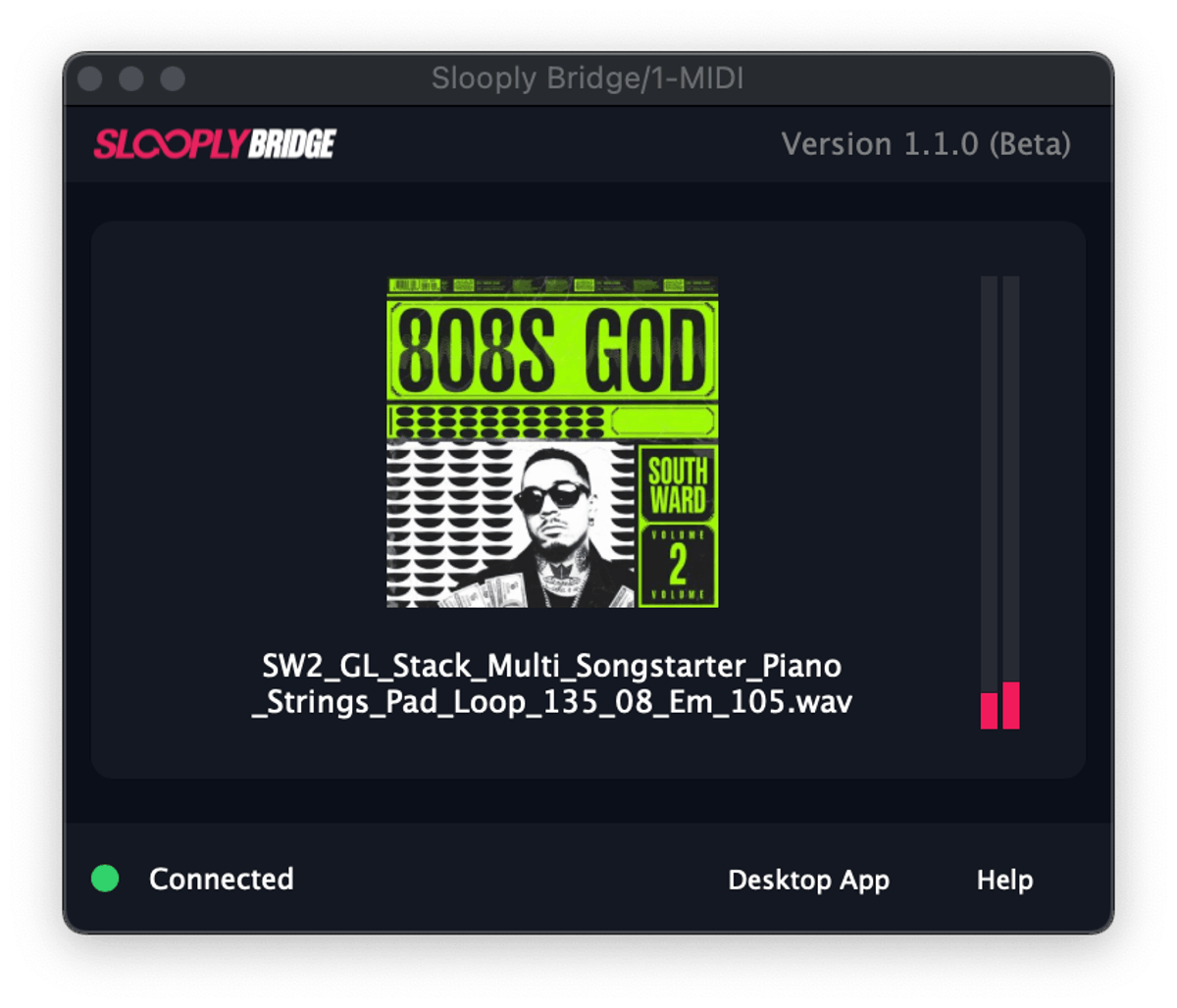
Complementing the desktop experience, the Slooply Bridge VST plugin connects the app directly with the DAW. Once loaded, it syncs tempo and key in real time, ensuring that every previewed sample matches the current project.
Producers can hear sounds exactly as they’ll appear in their projects, with adjustments to time and pitch happening automatically. There’s no guessing involved about a sample’s fit, nor is there any need for manual tweaking after it’s been imported.
A key point is keeping things consistent. When you move sounds into the DAW, they match exactly what you heard before, including changes in tempo and pitch. This way, the sound you pick is the same one that makes it into your project.
Keeping Producers in the Creative Flow
The desktop app and plugin work together to tackle a common problem in music production: jumping back and forth between different tools. With this duo, Slooply connects sample browsing directly with the DAW workflow. Producers can now focus on their creative process without frequent interruptions.
Instead of handling files or tweaking tempos by hand, ideas transform into reality much faster. This setup not only accelerates production but also enhances decision-making since every sound fits perfectly within its musical context.
Cross-Platform and DAW Compatibility
The Slooply Desktop App is available for both macOS and Windows, supporting a wide range of production setups. The Bridge VST integrates with major DAWs, including FL Studio, Ableton Live, Logic Pro, and Cubase, making it accessible to a broad community of producers.
This compatibility ensures that the workflow improvements offered by Slooply can be applied regardless of the tools a producer already uses.
Get Started with Slooply
The Slooply Desktop App and Bridge VST are available now and ready to integrate into your workflow. Download the app, install the Bridge plugin, and start previewing samples in sync with your DAW today.